
[fusion_builder_container type=“flex“ hundred_percent=“no“ hundred_percent_height=“no“ hundred_percent_height_scroll=“no“ align_content=“stretch“ flex_align_items=“flex-start“ flex_justify_content=“flex-start“ hundred_percent_height_center_content=“yes“ equal_height_columns=“no“ container_tag=“div“ hide_on_mobile=“small-visibility,medium-visibility,large-visibility“ status=“published“ border_style=“solid“ box_shadow=“no“ box_shadow_blur=“0″ box_shadow_spread=“0″ gradient_start_position=“0″ gradient_end_position=“100″ gradient_type=“linear“ radial_direction=“center center“ linear_angle=“180″ background_position=“center center“ background_repeat=“no-repeat“ fade=“no“ background_parallax=“none“ enable_mobile=“no“ parallax_speed=“0.3″ background_blend_mode=“none“ video_aspect_ratio=“16:9″ video_loop=“yes“ video_mute=“yes“ absolute=“off“ absolute_devices=“small,medium,large“ sticky=“off“ sticky_devices=“small-visibility,medium-visibility,large-visibility“ sticky_transition_offset=“0″ scroll_offset=“0″ animation_direction=“left“ animation_speed=“0.3″ filter_hue=“0″ filter_saturation=“100″ filter_brightness=“100″ filter_contrast=“100″ filter_invert=“0″ filter_sepia=“0″ filter_opacity=“100″ filter_blur=“0″ filter_hue_hover=“0″ filter_saturation_hover=“100″ filter_brightness_hover=“100″ filter_contrast_hover=“100″ filter_invert_hover=“0″ filter_sepia_hover=“0″ filter_opacity_hover=“100″ filter_blur_hover=“0″ admin_toggled=“no“][fusion_builder_row][fusion_builder_column type=“1_1″ layout=“1_1″ align_self=“auto“ content_layout=“column“ align_content=“flex-start“ valign_content=“flex-start“ content_wrap=“wrap“ spacing=““ center_content=“no“ link=““ target=“_self“ min_height=““ hide_on_mobile=“small-visibility,medium-visibility,large-visibility“ sticky_display=“normal,sticky“ class=““ id=““ type_medium=““ type_small=““ order_medium=“0″ order_small=“0″ dimension_spacing_medium=““ dimension_spacing_small=““ dimension_spacing=““ dimension_margin_medium=““ dimension_margin_small=““ margin_top=““ margin_bottom=““ padding_medium=““ padding_small=““ padding_top=““ padding_right=““ padding_bottom=““ padding_left=““ hover_type=“none“ border_sizes=““ border_color=““ border_style=“solid“ border_radius=““ box_shadow=“no“ dimension_box_shadow=““ box_shadow_blur=“0″ box_shadow_spread=“0″ box_shadow_color=““ box_shadow_style=““ background_type=“single“ gradient_start_color=““ gradient_end_color=““ gradient_start_position=“0″ gradient_end_position=“100″ gradient_type=“linear“ radial_direction=“center center“ linear_angle=“180″ background_color=““ background_image=““ background_image_id=““ background_position=“left top“ background_repeat=“no-repeat“ background_blend_mode=“none“ render_logics=““ filter_type=“regular“ filter_hue=“0″ filter_saturation=“100″ filter_brightness=“100″ filter_contrast=“100″ filter_invert=“0″ filter_sepia=“0″ filter_opacity=“100″ filter_blur=“0″ filter_hue_hover=“0″ filter_saturation_hover=“100″ filter_brightness_hover=“100″ filter_contrast_hover=“100″ filter_invert_hover=“0″ filter_sepia_hover=“0″ filter_opacity_hover=“100″ filter_blur_hover=“0″ animation_type=““ animation_direction=“left“ animation_speed=“0.3″ animation_offset=““ last=“true“ border_position=“all“ first=“true“][fusion_text columns=““ column_min_width=““ column_spacing=““ rule_style=“default“ rule_size=““ rule_color=““ hue=““ saturation=““ lightness=““ alpha=““ content_alignment_medium=““ content_alignment_small=““ content_alignment=““ hide_on_mobile=“small-visibility,medium-visibility,large-visibility“ sticky_display=“normal,sticky“ class=““ id=““ margin_top=““ margin_right=““ margin_bottom=““ margin_left=““ fusion_font_family_text_font=““ fusion_font_variant_text_font=““ font_size=““ line_height=““ letter_spacing=““ text_transform=“none“ text_color=““ animation_type=““ animation_direction=“left“ animation_speed=“0.3″ animation_offset=““]

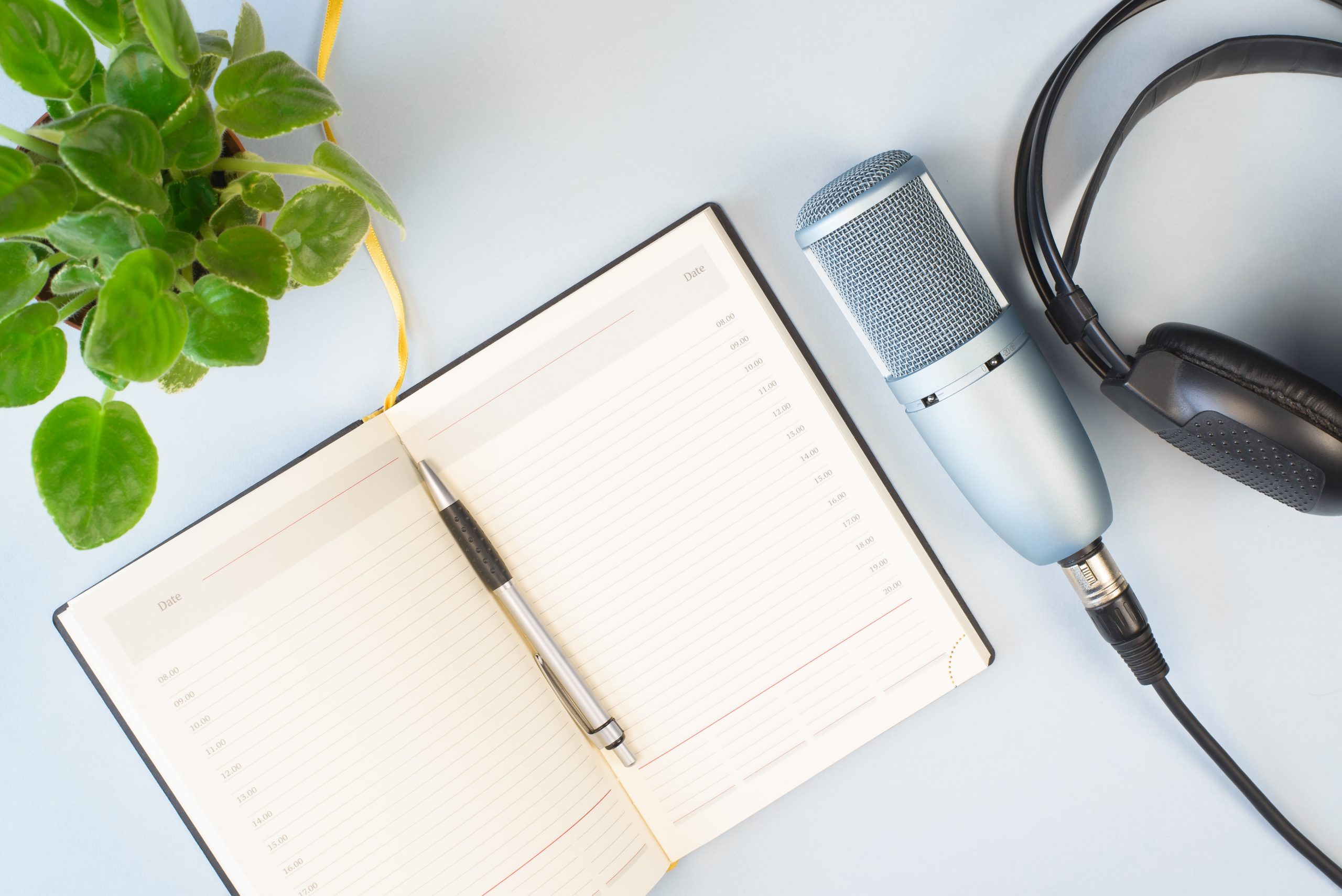
[fusion_dropcap boxed=“yes“ boxed_radius=““ class=““ id=““ color=““ text_color=““]P[/fusion_dropcap]odcast sind auch 2022 eines der wichtigsten Medien, um Inhalte zu verbreiten. Neben den Inhalten ist natürlich auch die Qualität der Audioaufnahme ein wichtiges Kriterium für den Erfolg eines Podcasts. Wir haben Ihnen einige Informationen zusammen gestellt, die Ihnen dabei helfen können, die Audioqualität Ihrer Podcastaufnahmen zu sichern.

[/fusion_text][fusion_separator style_type=“single solid“ hide_on_mobile=“small-visibility,medium-visibility,large-visibility“ sticky_display=“normal,sticky“ class=““ id=““ flex_grow=“0″ top_margin=“10px“ bottom_margin=“30px“ width=““ alignment=“center“ border_size=“2″ sep_color=“#14636d“ icon=““ icon_size=““ icon_color=““ icon_circle=““ icon_circle_color=““ /][fusion_title title_type=“text“ loop_animation=“once“ rotation_effect=“bounceIn“ display_time=“1200″ highlight_effect=“circle“ highlight_width=“9″ highlight_top_margin=“0″ before_text=““ rotation_text=““ highlight_text=““ after_text=““ title_link=“off“ link_url=““ link_target=“_self“ hide_on_mobile=“small-visibility,medium-visibility,large-visibility“ sticky_display=“normal,sticky“ class=““ id=““ content_align_medium=““ content_align_small=““ content_align=“left“ size=“2″ animated_font_size=““ fusion_font_family_title_font=““ fusion_font_variant_title_font=““ font_size=“20px“ line_height=““ letter_spacing=““ text_transform=““ text_color=““ hue=““ saturation=““ lightness=““ alpha=““ animated_text_color=““ text_shadow=“no“ text_shadow_vertical=““ text_shadow_horizontal=““ text_shadow_blur=“0″ text_shadow_color=““ margin_top_medium=““ margin_right_medium=““ margin_bottom_medium=““ margin_left_medium=““ margin_top_small=““ margin_right_small=““ margin_bottom_small=““ margin_left_small=““ margin_top=““ margin_right=““ margin_bottom=““ margin_left=““ margin_top_mobile=““ margin_bottom_mobile=““ gradient_font=“no“ gradient_start_color=““ gradient_end_color=““ gradient_start_position=“0″ gradient_end_position=“100″ gradient_type=“linear“ radial_direction=“center center“ linear_angle=“180″ highlight_color=““ style_type=“default“ sep_color=““ link_color=““ link_hover_color=““ animation_type=““ animation_direction=“left“ animation_speed=“0.3″ animation_offset=““]

Der richtige Aufnahmeort

[/fusion_title][fusion_text columns=““ column_min_width=““ column_spacing=““ rule_style=“default“ rule_size=““ rule_color=““ hue=““ saturation=““ lightness=““ alpha=““ content_alignment_medium=““ content_alignment_small=““ content_alignment=““ hide_on_mobile=“small-visibility,medium-visibility,large-visibility“ sticky_display=“normal,sticky“ class=““ id=““ margin_top=““ margin_right=““ margin_bottom=““ margin_left=““ fusion_font_family_text_font=““ fusion_font_variant_text_font=““ font_size=““ line_height=““ letter_spacing=““ text_transform=“none“ text_color=““ animation_type=““ animation_direction=“left“ animation_speed=“0.3″ animation_offset=““]

Nicht alle Orte sind für die Aufnahme von Podcasts geeignet. Die beste Lösung ist ein ruhiger, gut schallisolierter Raum. Der Raum sollte zum Beispiel mit Bücherregalen, weichen Sofas und Teppiche ausgestattet sein. Sollten Sie sich ein eigenes Tonstudio einrichten, können Sie die Wände mit schalldämmendem Material wie Schaumstoffplatten verkleiden.

[/fusion_text][fusion_separator style_type=“single solid“ hide_on_mobile=“small-visibility,medium-visibility,large-visibility“ sticky_display=“normal,sticky“ class=““ id=““ flex_grow=“0″ top_margin=“10px“ bottom_margin=“30px“ width=““ alignment=“center“ border_size=“2″ sep_color=“#14636d“ icon=““ icon_size=““ icon_color=““ icon_circle=““ icon_circle_color=““ /][fusion_title title_type=“text“ loop_animation=“once“ rotation_effect=“bounceIn“ display_time=“1200″ highlight_effect=“circle“ highlight_width=“9″ highlight_top_margin=“0″ before_text=““ rotation_text=““ highlight_text=““ after_text=““ title_link=“off“ link_url=““ link_target=“_self“ hide_on_mobile=“small-visibility,medium-visibility,large-visibility“ sticky_display=“normal,sticky“ class=““ id=““ content_align_medium=““ content_align_small=““ content_align=“left“ size=“2″ animated_font_size=““ fusion_font_family_title_font=““ fusion_font_variant_title_font=““ font_size=“20px“ line_height=““ letter_spacing=““ text_transform=““ text_color=““ hue=““ saturation=““ lightness=““ alpha=““ animated_text_color=““ text_shadow=“no“ text_shadow_vertical=““ text_shadow_horizontal=““ text_shadow_blur=“0″ text_shadow_color=““ margin_top_medium=““ margin_right_medium=““ margin_bottom_medium=““ margin_left_medium=““ margin_top_small=““ margin_right_small=““ margin_bottom_small=““ margin_left_small=““ margin_top=““ margin_right=““ margin_bottom=““ margin_left=““ margin_top_mobile=““ margin_bottom_mobile=““ gradient_font=“no“ gradient_start_color=““ gradient_end_color=““ gradient_start_position=“0″ gradient_end_position=“100″ gradient_type=“linear“ radial_direction=“center center“ linear_angle=“180″ highlight_color=““ style_type=“default“ sep_color=““ link_color=““ link_hover_color=““ animation_type=““ animation_direction=“left“ animation_speed=“0.3″ animation_offset=““]

Der Aufbau des Mikrofons

[/fusion_title][fusion_text columns=““ column_min_width=““ column_spacing=““ rule_style=“default“ rule_size=““ rule_color=““ hue=““ saturation=““ lightness=““ alpha=““ content_alignment_medium=““ content_alignment_small=““ content_alignment=““ hide_on_mobile=“small-visibility,medium-visibility,large-visibility“ sticky_display=“normal,sticky“ class=““ id=““ margin_top=““ margin_right=““ margin_bottom=““ margin_left=““ fusion_font_family_text_font=““ fusion_font_variant_text_font=““ font_size=““ line_height=““ letter_spacing=““ text_transform=“none“ text_color=““ animation_type=““ animation_direction=“left“ animation_speed=“0.3″ animation_offset=““]

Um bei der Nachbearbeitung des Podcasts Zeit zu sparen, versuchen Sie bereits während der Aufnahme eine hohe Audioqualität zu erzielen. Befolgen Sie bei dem Aufbau und der Verwendung eines Mikrofons die folgenden Regeln:

  • Positionieren Sie das Mikrofon 12-15 cm von Ihrem Mund entfernt.
  • Neigen Sie das Mikrofon um 45 Grad in die Richtung des Sprechenden, damit Ihre Stimme in höchster Qualität aufgenommen wird.
  • Wenn Sie nicht sprechen, lehnen Sie sich zurück und entfernen Sie sich vom Mikrofon, um unnötige Geräusche zu vermeiden.

[/fusion_text][fusion_separator style_type=“single solid“ hide_on_mobile=“small-visibility,medium-visibility,large-visibility“ sticky_display=“normal,sticky“ class=““ id=““ flex_grow=“0″ top_margin=“10px“ bottom_margin=“30px“ width=““ alignment=“center“ border_size=“2″ sep_color=“#14636d“ icon=““ icon_size=““ icon_color=““ icon_circle=““ icon_circle_color=““ /][fusion_title title_type=“text“ loop_animation=“once“ rotation_effect=“bounceIn“ display_time=“1200″ highlight_effect=“circle“ highlight_width=“9″ highlight_top_margin=“0″ before_text=““ rotation_text=““ highlight_text=““ after_text=““ title_link=“off“ link_url=““ link_target=“_self“ hide_on_mobile=“small-visibility,medium-visibility,large-visibility“ sticky_display=“normal,sticky“ class=““ id=““ content_align_medium=““ content_align_small=““ content_align=“left“ size=“2″ animated_font_size=““ fusion_font_family_title_font=““ fusion_font_variant_title_font=““ font_size=“20px“ line_height=““ letter_spacing=““ text_transform=““ text_color=““ hue=““ saturation=““ lightness=““ alpha=““ animated_text_color=““ text_shadow=“no“ text_shadow_vertical=““ text_shadow_horizontal=““ text_shadow_blur=“0″ text_shadow_color=““ margin_top_medium=““ margin_right_medium=““ margin_bottom_medium=““ margin_left_medium=““ margin_top_small=““ margin_right_small=““ margin_bottom_small=““ margin_left_small=““ margin_top=““ margin_right=““ margin_bottom=““ margin_left=““ margin_top_mobile=““ margin_bottom_mobile=““ gradient_font=“no“ gradient_start_color=““ gradient_end_color=““ gradient_start_position=“0″ gradient_end_position=“100″ gradient_type=“linear“ radial_direction=“center center“ linear_angle=“180″ highlight_color=““ style_type=“default“ sep_color=““ link_color=““ link_hover_color=““ animation_type=““ animation_direction=“left“ animation_speed=“0.3″ animation_offset=““]

Die Audiobearbeitung

[/fusion_title][fusion_text columns=““ column_min_width=““ column_spacing=““ rule_style=“default“ rule_size=““ rule_color=““ hue=““ saturation=““ lightness=““ alpha=““ content_alignment_medium=““ content_alignment_small=““ content_alignment=““ hide_on_mobile=“small-visibility,medium-visibility,large-visibility“ sticky_display=“normal,sticky“ class=““ id=““ margin_top=““ margin_right=““ margin_bottom=““ margin_left=““ fusion_font_family_text_font=““ fusion_font_variant_text_font=““ font_size=““ line_height=““ letter_spacing=““ text_transform=“none“ text_color=““ animation_type=““ animation_direction=“left“ animation_speed=“0.3″ animation_offset=““]

Es gibt unterschiedliche Programme, mit denen Sie Ihren Podcast aufnehmen und gleichzeitig bearbeiten können. Die Bearbeitungsmöglichkeiten sind vielfältig: Rauschen entfernen, unnötige Segmente ausschneiden, Musikschichten hinzufügen usw. Die bekanntesten Bearbeitungsprogramme sind: Alitu, Anchor, Audacity und Adobe Audition, aber es gibt auch viele andere Programme.

Denken Sie beim Bearbeiten einer Datei daran:

  • Bearbeiten Sie die Datei zunächst inhaltlich und beginnen Sie dann damit, Versprecher zu entfernen. Es ist am einfachsten, wenn Sie einen Bearbeitungsschritt nach dem anderen durchführen.
  • Wenden Sie die Komprimierung in Ihren Einstellungen an, damit Ihre Stimme weicher klingt und Geräusche automatisch entfernt werden.
  • Verwenden Sie für sanfte Übergänge Dämpfer zwischen den Elementen.

[/fusion_text][fusion_separator style_type=“single solid“ hide_on_mobile=“small-visibility,medium-visibility,large-visibility“ sticky_display=“normal,sticky“ class=““ id=““ flex_grow=“0″ top_margin=“10px“ bottom_margin=“30px“ width=““ alignment=“center“ border_size=“2″ sep_color=“#14636d“ icon=““ icon_size=““ icon_color=““ icon_circle=““ icon_circle_color=““ /][/fusion_builder_column][/fusion_builder_row][/fusion_builder_container]